

The Adobe NEXT London is a private day event that brings together the people shaping the next generation of creative education: faculty, department leaders, and the students they believe in most. This is not a product showcase. It is a gathering of the creative industry and higher education, in conversation about where design and film are heading, what that means for the people entering the field, and what it means for those teaching them.
Hosted at Tate Modern, this invite-only event is built around one core question:
how do we prepare creative talent for a world that is changing faster than any curriculum can keep up with?
The answers are here in the room, in the work, and in the tools that are already reshaping professional workflows across studios, agencies, and production houses worldwide.
NEXT
〰️
London
〰️
NEXT 〰️ London 〰️
Next-Gen Designer:
Where Human Centred Design Meets AI
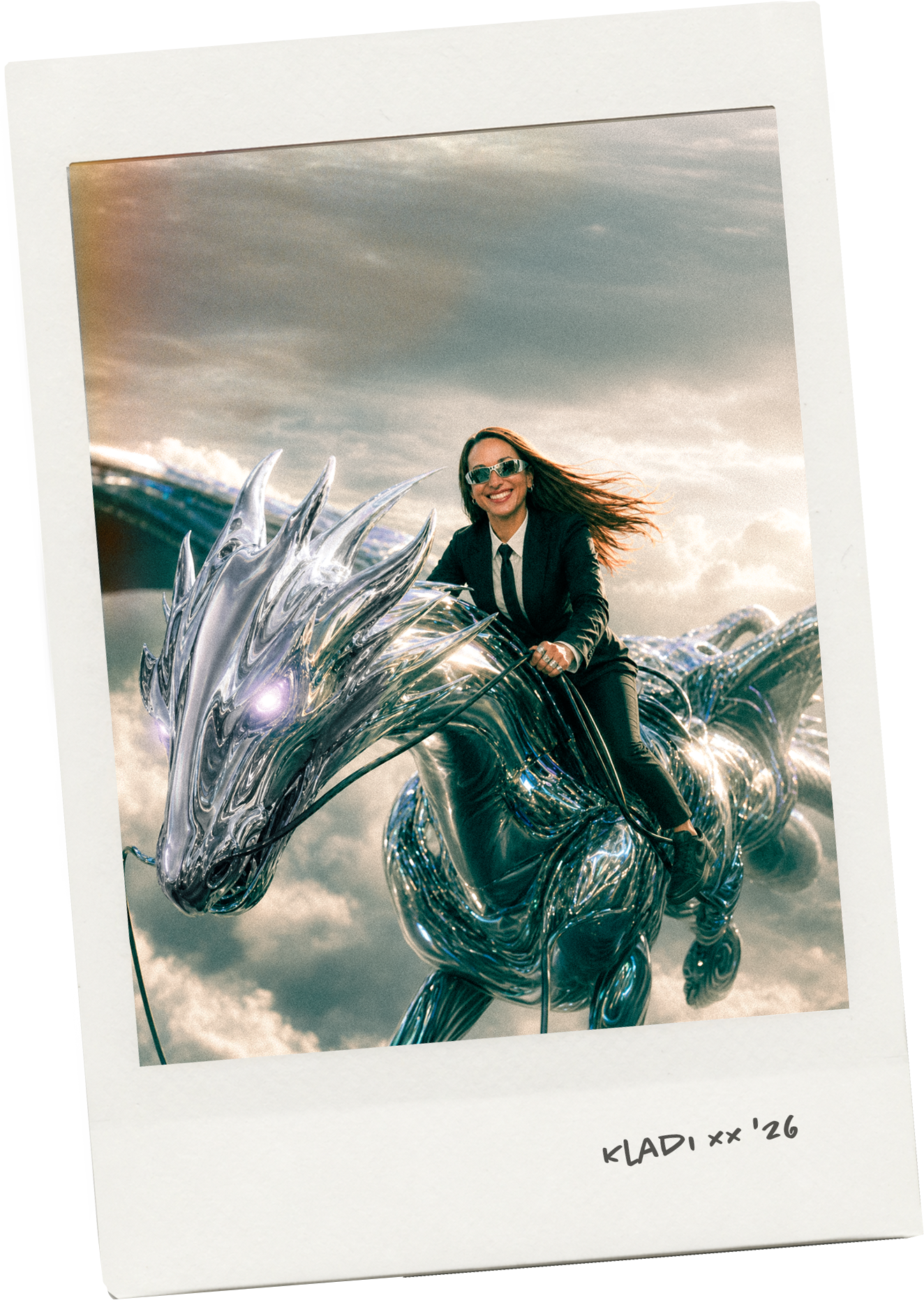
by Kladi, Sr. Creative Cloud Evangelist, Adobe
Mastering next-gen design is about discovering how AI can support your uniquely human creativity. Come explore your AI sweet spot with new and existing AI-powered features in tools like Photoshop and Firefly and walk away with a clearer understanding of how and when to use AI and when not to.
“The goal is not to convince you AI is everything.
It is to help you find your own sweet spot:
the place where your judgment, your taste, and your creative instinct remain firmly in charge while the dragon does the heavy lifting.” Kladi
Think it
〰️
Type it
〰️
Make it
〰️
Think it 〰️ Type it 〰️ Make it 〰️
Adobe Firefly
Explore how human creativity and generative AI can collaborate in your creative processes. Welcome to the future of creativity!

Adobe's revolutionary AI models allow you to use simple prompts and generative AI to create anything you can imagine with the new Adobe Firefly. Firefly is a standalone web application and some of its features are integrated into Creative Cloud.
These new workflows offer new ways to ideate, create, and communicate and are designed to be safe for commercial use.
Firefly-powered features inside Photoshop

Original image (Photo by Marshall_g23)

Edited image
-
Expand, or remove content from your images non-destructively using simple text prompts in over 100 languages. Use this feature to automatically match the perspective, lighting, and style of your image, make previously tedious tasks fun, and achieve realistic results that will surprise, delight, and astound you in seconds.
-
Expand and resize any image to different sizes and aspect ratios with generative content! Generative Expand is part of the crop workflow inside Photoshop. When you access the Crop tool the contextual toolbar will automatically feature the Generative Expand button as the suggested next step. Generative Expand is a great timesaver that will allow you to reduce the number of steps needed to fill the empty space by using unprompted or prompted newly generated content that naturally blends with the existing image.
-
This is a brand new workflow inside Photoshop! You will find a (nearly) full injectionof Firefly with the new Generate Image without leaving Photoshop. It gives you access to capabilities like the Firefly Effects. This amazing worflow allows you to generate complex, custom images from scratch using text prompts and additional creative controls.
-
Generate Background allows you to replace your background with generated content that matches the lighting, shadows, and perspective of the subject in just a few steps. Rather than manually selecting the background and using Generative Fill, with Generate Background, you can simplify workflows and save time with a streamlined experience in the Contextual Task Bar. Remove the Background in one click and then use Generate Background to jumpstart your creations.
-
With Generate Similar you can use a generated variation as a reference image and produce more variations with a similar style. This enhances the accuracy of your generated outputs and empowers you to generate lots of similar variations until you find the on one that match your creative vision and is an easier way rather than rewriting prompts. When used with Generate Image the quality tends to improve as the prompt, intead of starting from scratch is supported by an already generate output.
-
Reference Image allows you to upload an image containing desired content to inform your generated output. This improves the control you have in the generated output creating content that is customized to your artwork and needs. The image will inform and support the prompt delivering a personalized result, this is great for details are hard to describe. In the context of Generate Image this works slightly differently as we are creating from scratch an entire image and therefore the reference will inform the prompt in a broader way.
-
Enhance Detail improves the sharpness of variations generated by Gen Fill, Gen Expand and Gen Background. With this improvement, variations can have greater clarity in detail and blend more seamlessly with the existing image, enabling you to feel more confident in the generated outputs. Current limitations (april 2024) It does not work on small selections. It does not work with Generate Images. It does not enhance resolution but sharoens details.
OTHER KEY FEATURES
Contextual Task Bar
The Contextual toolbar is a persistent menu, default in the Photoshop workspace since 09.2023. It is extremely useful as it presents a curated set of potential and relevant next steps tailored to specific workflows.
If you are a pro it will reduce the steps needed to achieve the desired result, and if you are a beginner it allows you to discover new tools and workflows intuitively.
Some of the existing workflows are:
New Document, Open Image, Type tool, Selection (Generative Fill), Masking, Crop tool (Generative Expand)
To prompt or not to prompt
If you're someone who values creativity without constraints, exploring these tools without prompts might be your path. This approach allows you to unleash your imagination, experimenting freely and discovering new, uncharted territories in your designs. On the other hand, if you prioritize efficiency and crave structured guidance, embracing prompts can become a valuable asset. They serve as a reliable companion, aiding you in effortlessly traversing the wealth of features offered by generative fill and Firefly-powered tools. This, in turn, simplifies complex techniques and enhances the efficiency of your creative workflow.

REFLECTIONS
If you're nervous about AI, I am here to help you embrace these incredible tools as your allies.
Generative AI can be your trusty sidekick, giving you more time to focus on the unique qualities that only humans can bring, like creative thinking, storytelling, emotional depth and intention. AI is here to amplify your potential. By combining your creative prowess and AI's technical capabilities, we can push the boundaries of what's possible, inspire innovation, and create groundbreaking work. So, get ready to welcome AI into your creative process, and together, let's make magic happen.
Welcome to the future of creativity!
Image credits @adobe @iamkladi, @marshall_g23